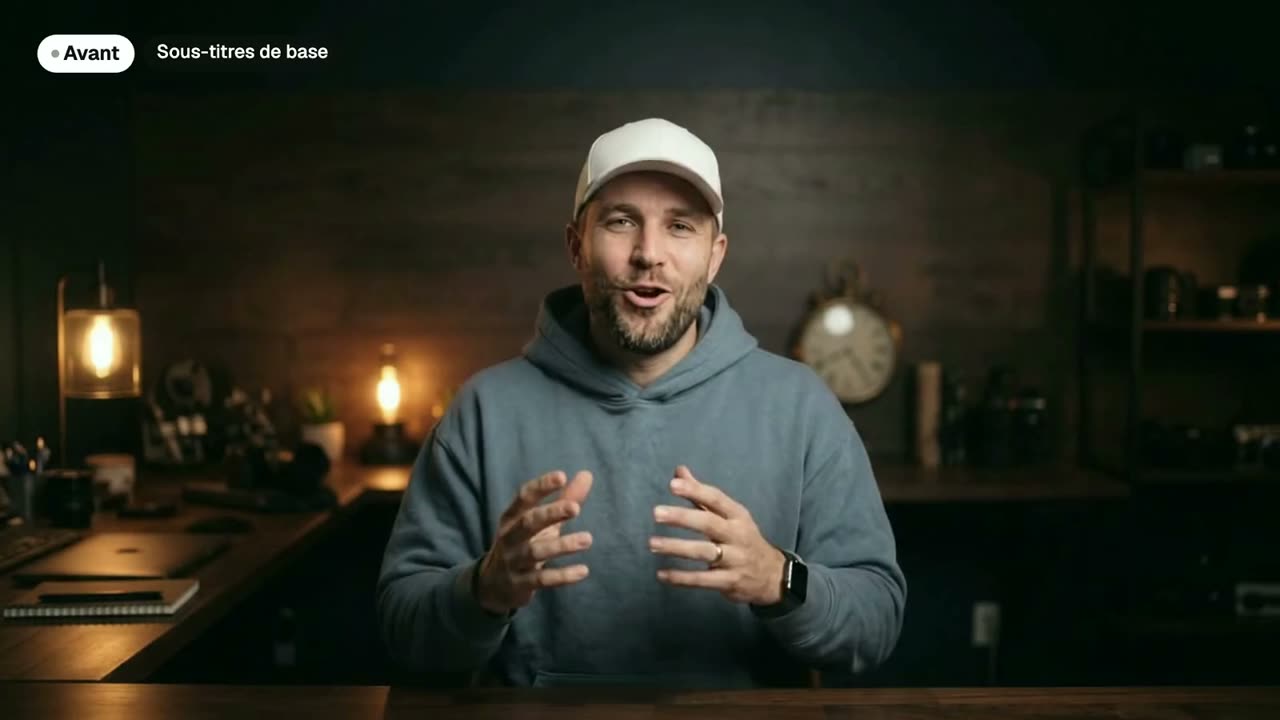
Face-tracking framing
9:16 portrait that follows the speaker, wide framing, split screen, or screen + face for tutorials and demos.
Video clipping
Paste a YouTube link. EditBrief reads the video, finds the best moments and turns them into captioned vertical clips, framed on the face, ready for TikTok, Reels and Shorts.
Definition
Clipping means cutting a long video (podcast, interview, livestream, course, VSL) into short vertical excerpts made for TikTok, Instagram Reels and YouTube Shorts. One hour-long video can feed weeks of posts.
Short-form is the format platforms push the most. Clipping lets you reach a new audience with content that already exists, without going back in front of the camera.
The problem: by hand, it takes ages. You watch the whole video, spot the strong parts, cut on the right word, reframe to 9:16, caption, add a title. Often longer than the video itself. EditBrief does that work for you, and you keep control of every clip.
How it works
A YouTube video you hold the rights to. EditBrief fetches the transcript without downloading the whole video: the analysis is fast and free.
The best parts are found and ranked, with a start and an end that land on the end of a sentence. Keep the ones you like, as a short clip or a long one (61 to 150 seconds).
Framing, karaoke captions, hook title, cut silences, zoom: everything is set by default and can be changed with a live preview.
A vertical 1080×1920 MP4, ready to post on TikTok, Instagram Reels and YouTube Shorts.
Features
9:16 portrait that follows the speaker, wide framing, split screen, or screen + face for tutorials and demos.
Word by word, the spoken word lights up. Several ready-made styles, or your own colours and fonts.
A title at the top of the clip, written for you or by you, to stop the scroll.
Dead air disappears and the pace stays tight from start to finish.
A subtle zoom to bring attention back at the right moment.
On-screen guides so nothing important hides under the app's buttons.
Add your own track under the clip.
Every clip then opens in the EditBrief editor: motions, styles, changes in one sentence.
Comparison
| Comparison | By hand | Editor or agency | EditBrief |
|---|---|---|---|
| Finding moments | Watch the whole video | The editor watches it for you | Found automatically |
| 9:16 reframing | Frame by frame | Included | Follows the face on its own |
| Captions | Typed or fixed by hand | Included | Word by word, karaoke style |
| Turnaround | Hours | Several days | A few minutes |
| Cost | Your time | Paid per clip | 1 clip a day for €9.99 a month, unlimited on Pro |
FAQ
It's cutting a long video into short vertical excerpts, each built around a strong moment, to post on TikTok, Instagram Reels and YouTube Shorts. One video becomes dozens of posts.
With EditBrief, paste the YouTube link: the best moments are found, you choose which to keep, and each clip comes out reframed to 9:16 and captioned. All that's left is to adjust and export.
Any YouTube video you hold the rights to: podcasts, interviews, livestreams, courses, talks, VSLs. The more speech in the video, the more precise the moments.
Yes, only with their permission. EditBrief asks you to confirm you hold the rights before each analysis. That's the case for clippers hired by a creator, for example in a pay-per-view program.
Video analysis and exports are free. Each clip you create counts as one edited video: the Creator plan, at €9.99 a month, includes one a day, and the Pro plan, at €19.99 a month, lets you create as many as you like. You can try it without a credit card.
Yes. They are generated word by word, karaoke style. If the YouTube video has no captions, the speech is transcribed automatically. You can fix a word or switch style in the editor.
A vertical 1080×1920 (9:16) MP4, the format TikTok, Instagram Reels and YouTube Shorts expect.
Short clips follow the length of the moment found. For a long clip, the part is widened to 61 to 150 seconds, always cut at the end of a sentence.
Paste a link, pick your moments, export. Try it on a real video, no credit card.
Make my first clips